Article pages built for reading
A banner with the article's key facts, a sticky section menu, numbered references, a suggested citation with a copy button, a licence card, and a sidebar with download statistics.
Theme · version 1.1.0
A modern, readable theme for Open Journal Systems 3.5. Built for journals that want their website to be as careful as their editing.
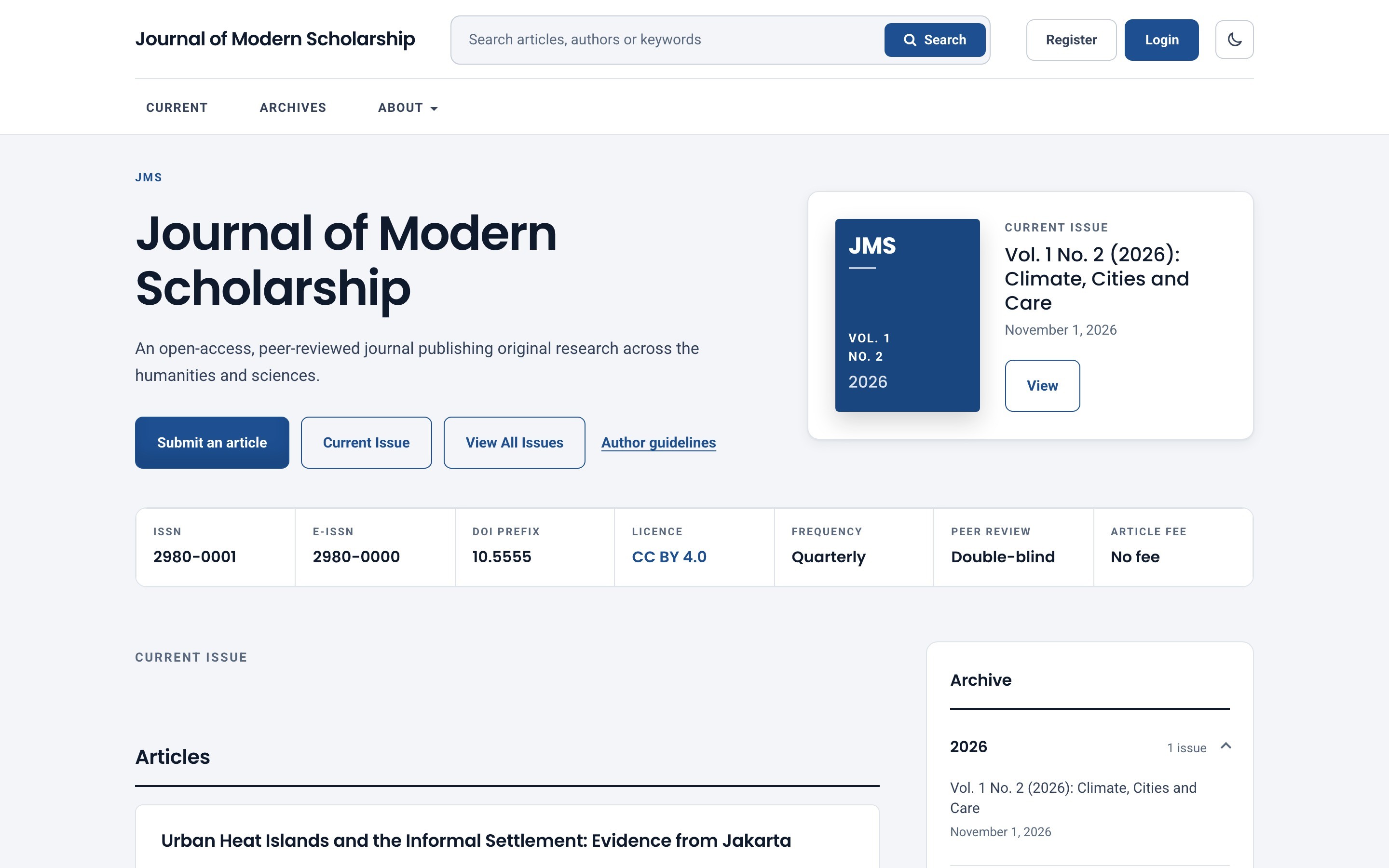
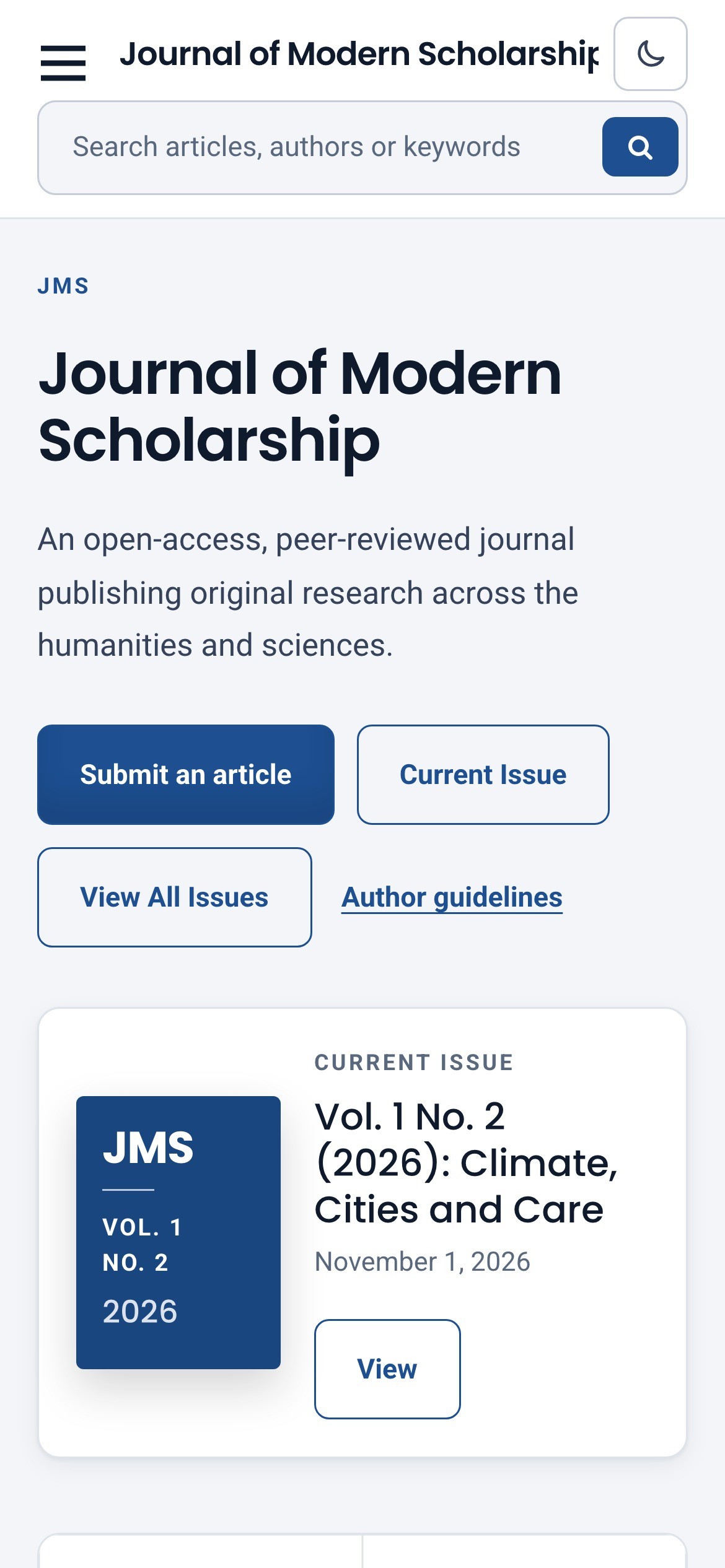
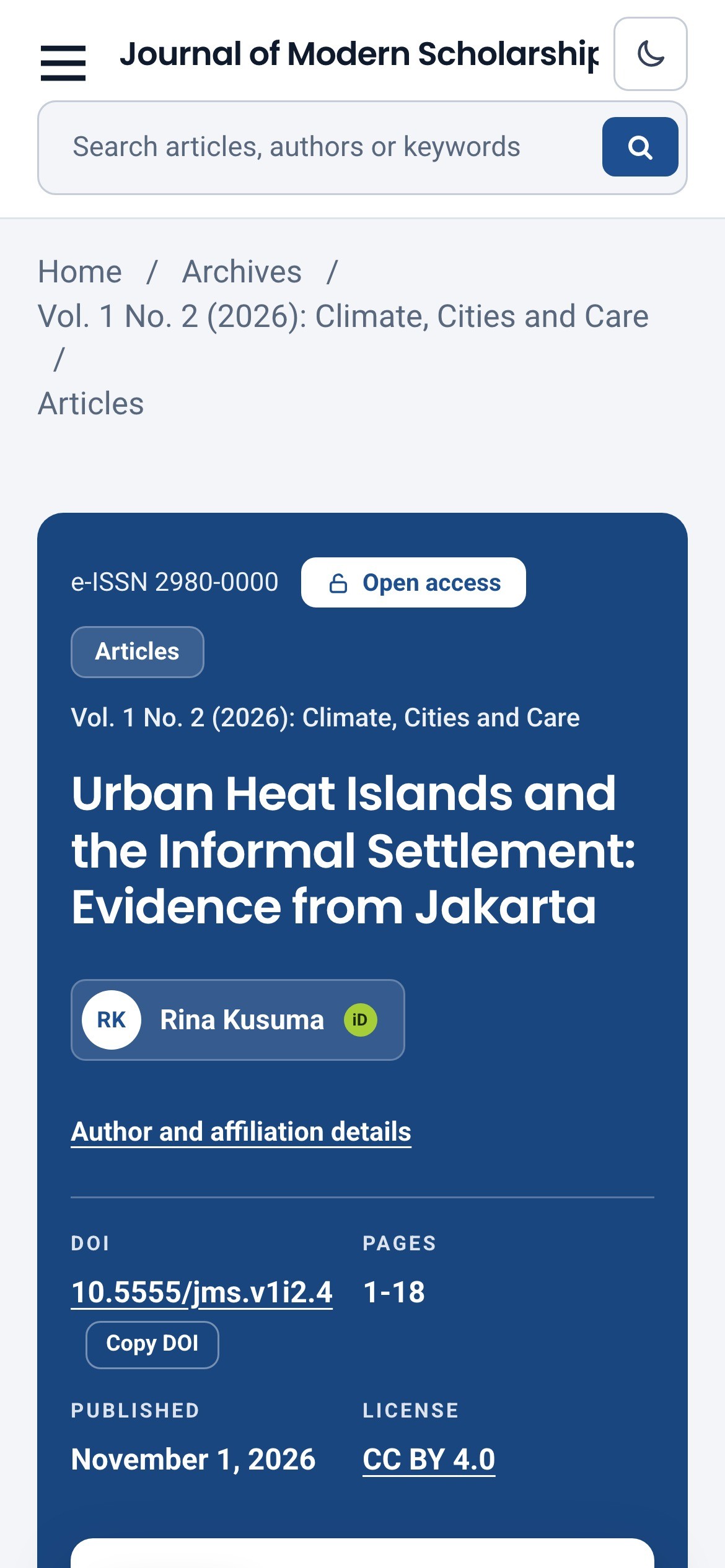
A banner with the article's key facts, a sticky section menu, numbered references, a suggested citation with a copy button, a licence card, and a sidebar with download statistics.
Click an author to open an overlay with affiliation and ORCID iD. The badge is green only when the author verified the iD through ORCID, and muted when it was merely typed in.
ISSN, e-ISSN, DOI prefix and licence are read from your OJS settings. Frequency, peer-review type and article fee are optional. Anything you leave empty is simply not shown.
Upload the official logos of the services that index you, with a name and link. Meridian checks the resolution so they stay sharp, and bundles no third-party trademarks.
Follows the visitor's device and remembers their choice. Colours are tuned separately for dark surfaces.
Pick a primary colour and Meridian derives button text and link colours that meet WCAG AA contrast, in both light and dark mode.
A clear header with search in the middle and account links on the right. Registration is grouped into sections with a password strength meter, and every original OJS field still works.
Issues grouped into collapsible years, with issue counts, on the homepage and the archive page.
Fonts are bundled and Meridian makes no requests to third-party servers. Nothing to disclose in your cookie notice because of the theme.
Contrast is measured on every page type in both modes, focus is always visible, motion respects the visitor's setting, and layouts are checked down to phone width.
Real pages from a test journal, in light and dark mode.
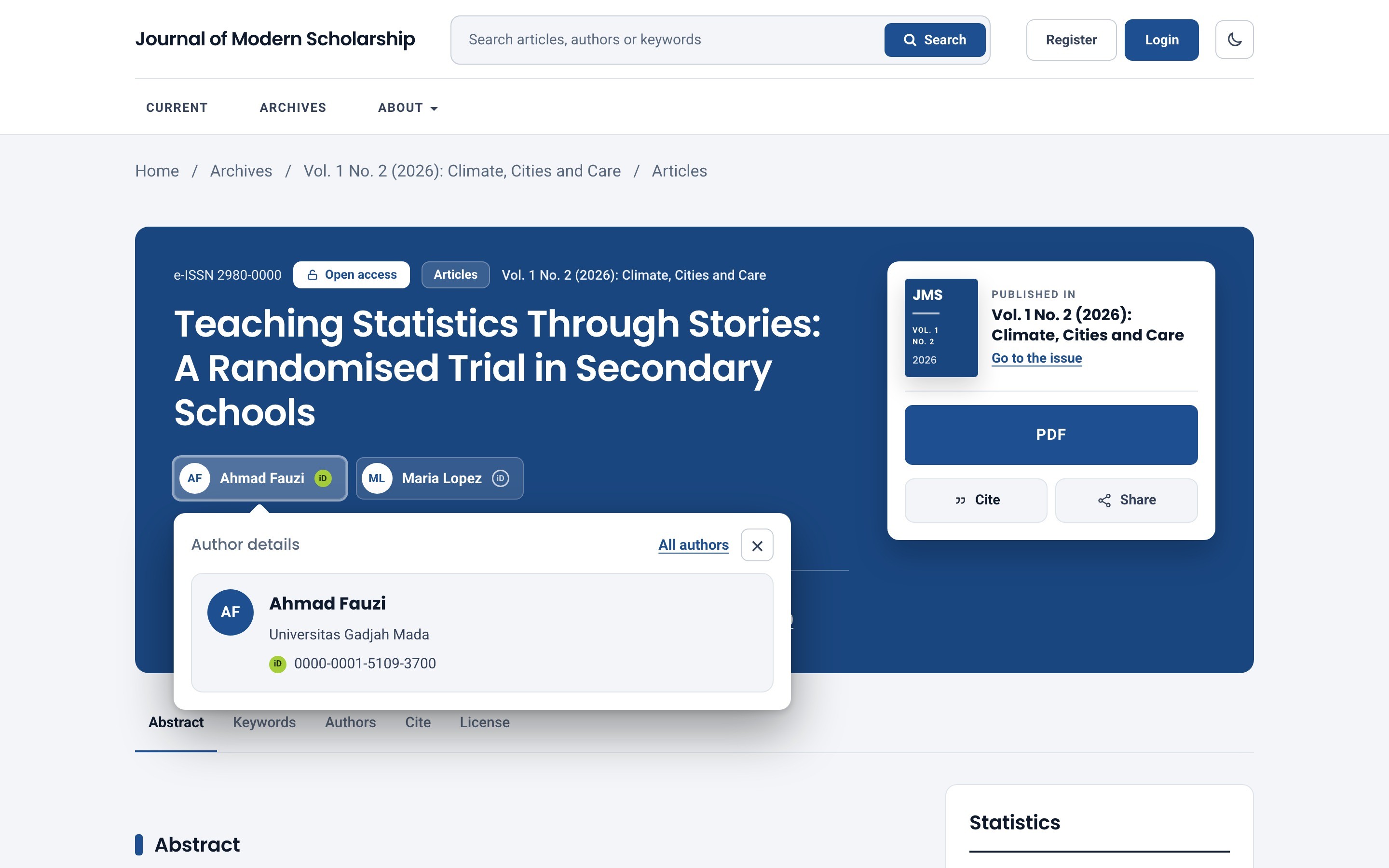
Article page and author overlay
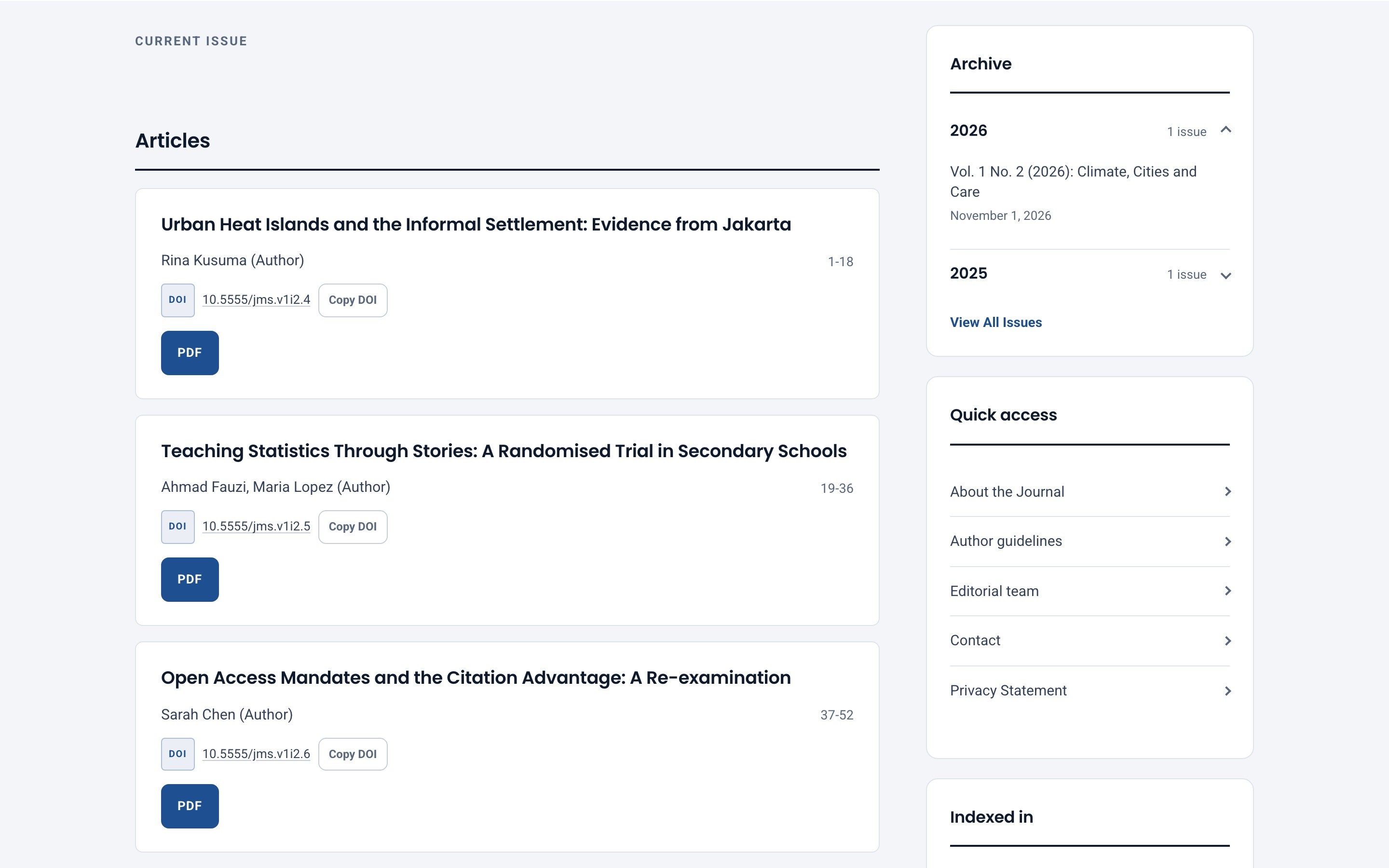
Articles beside the archive
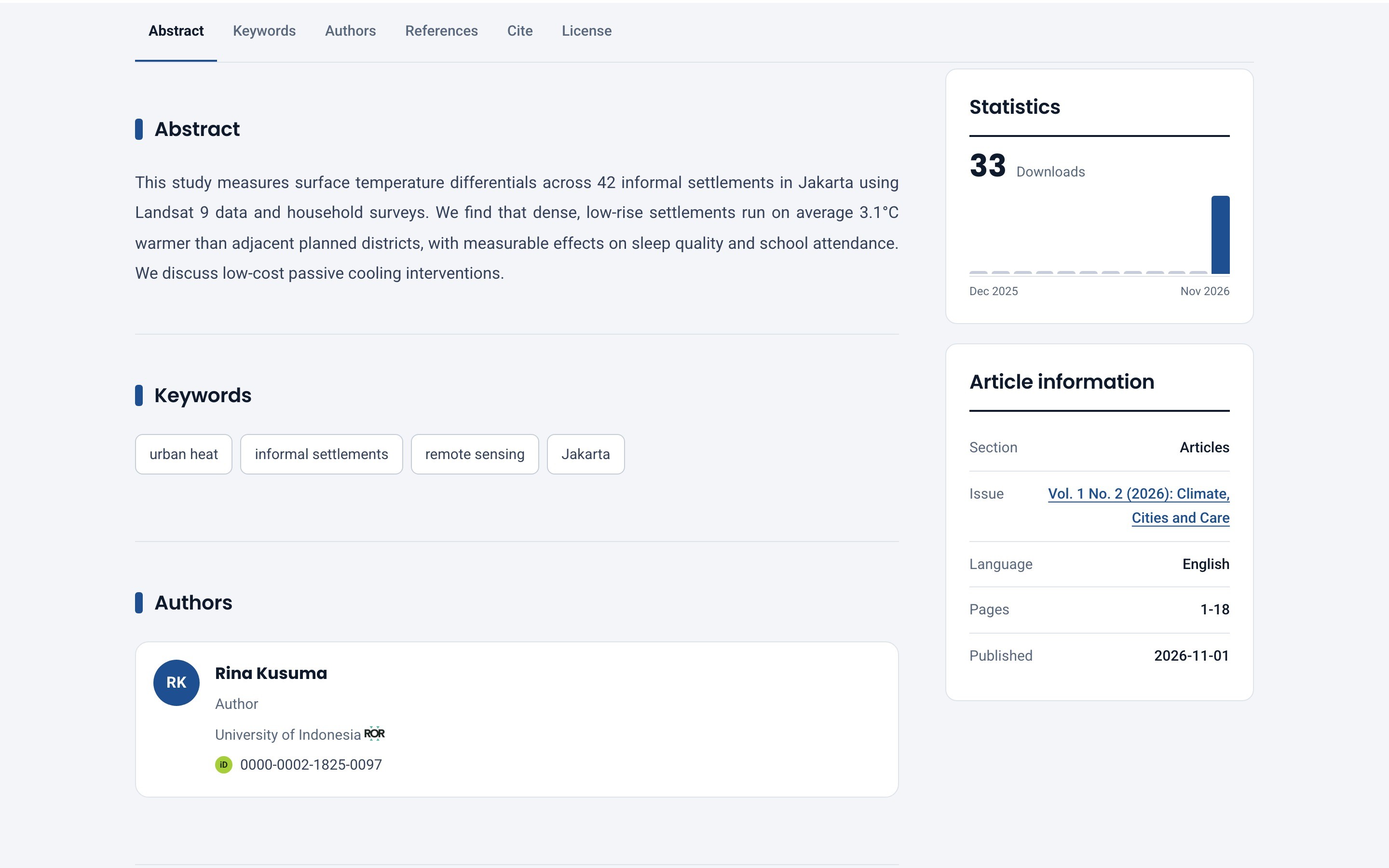
Reading column and statistics
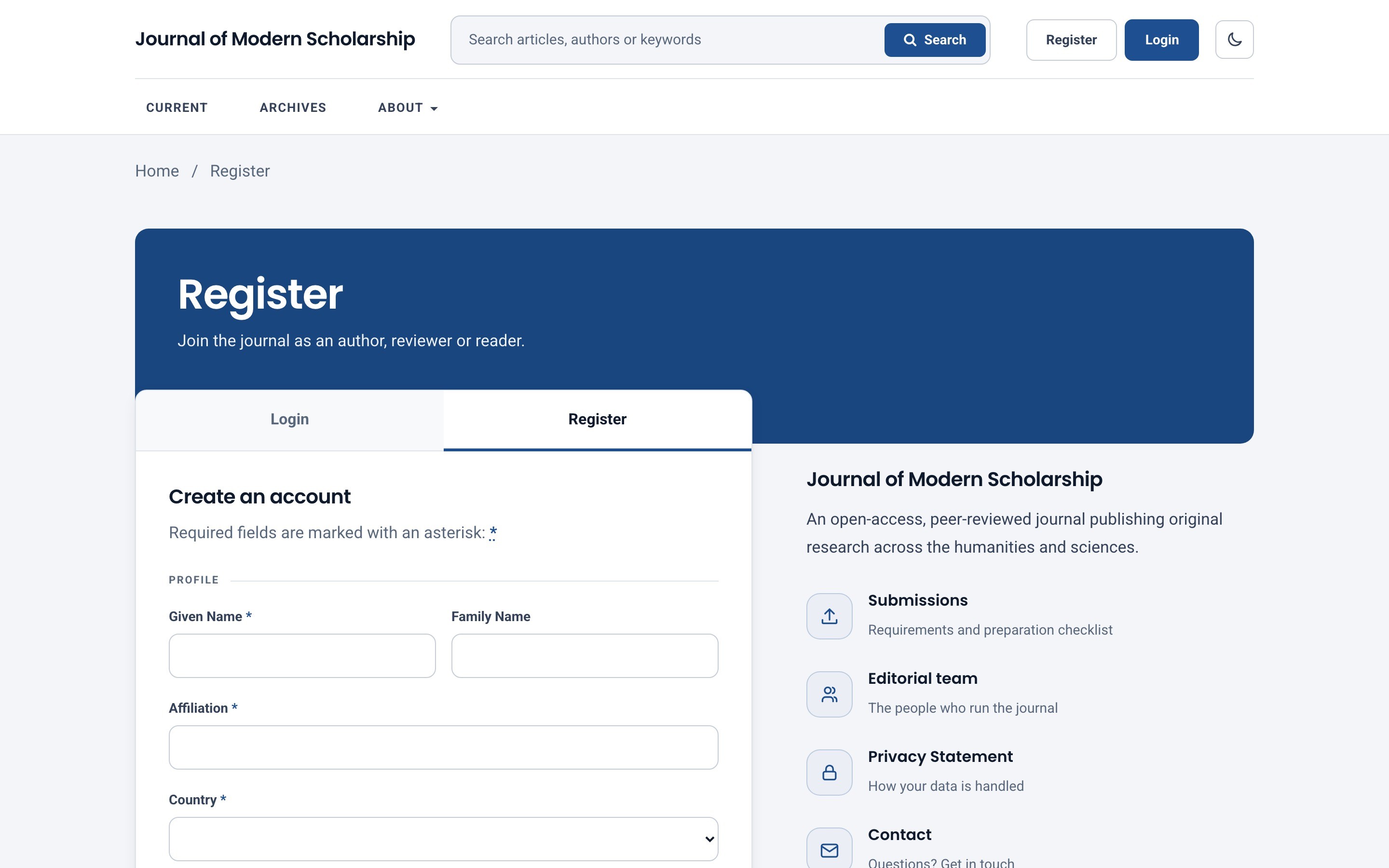
Registration
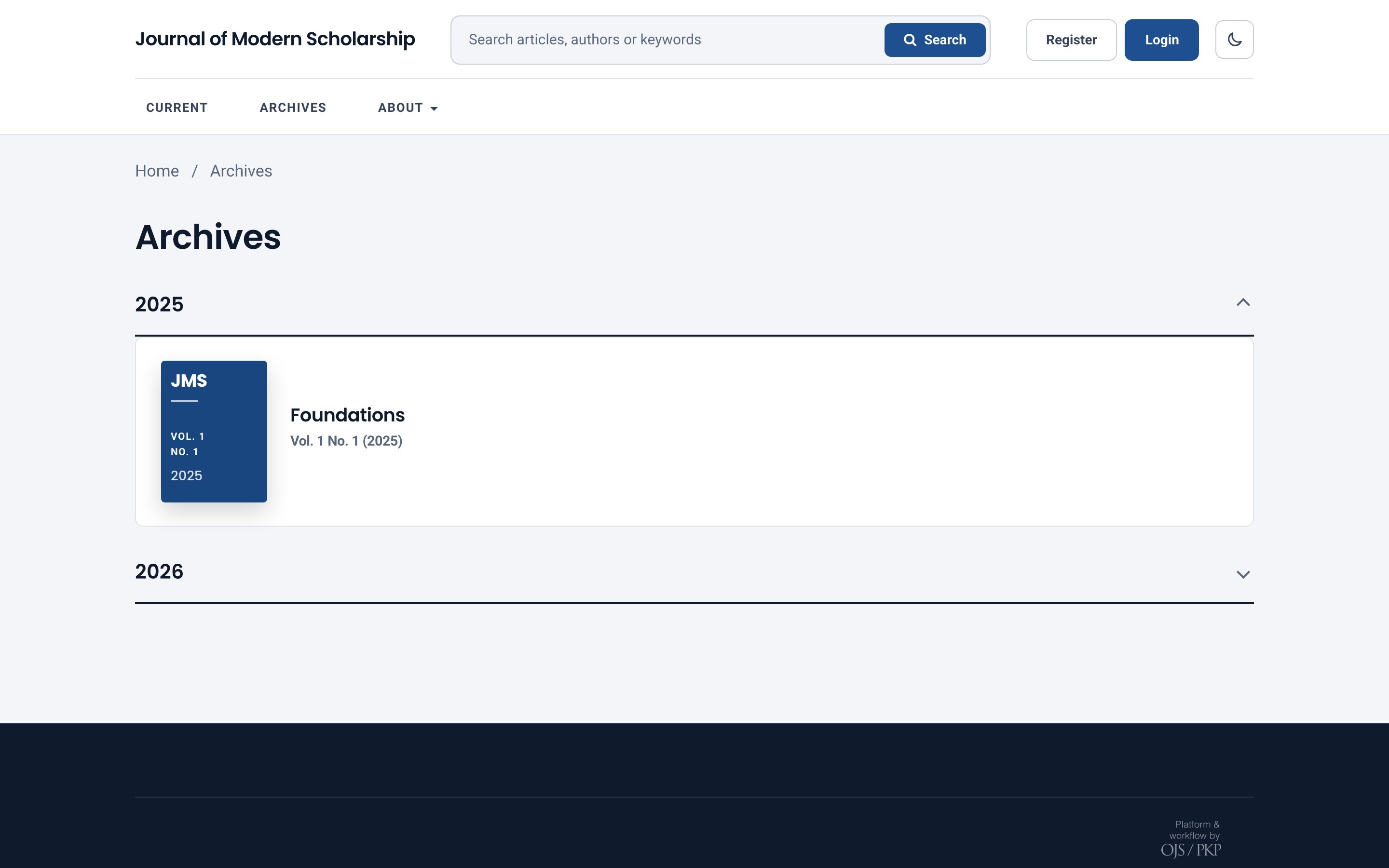
Archive by year
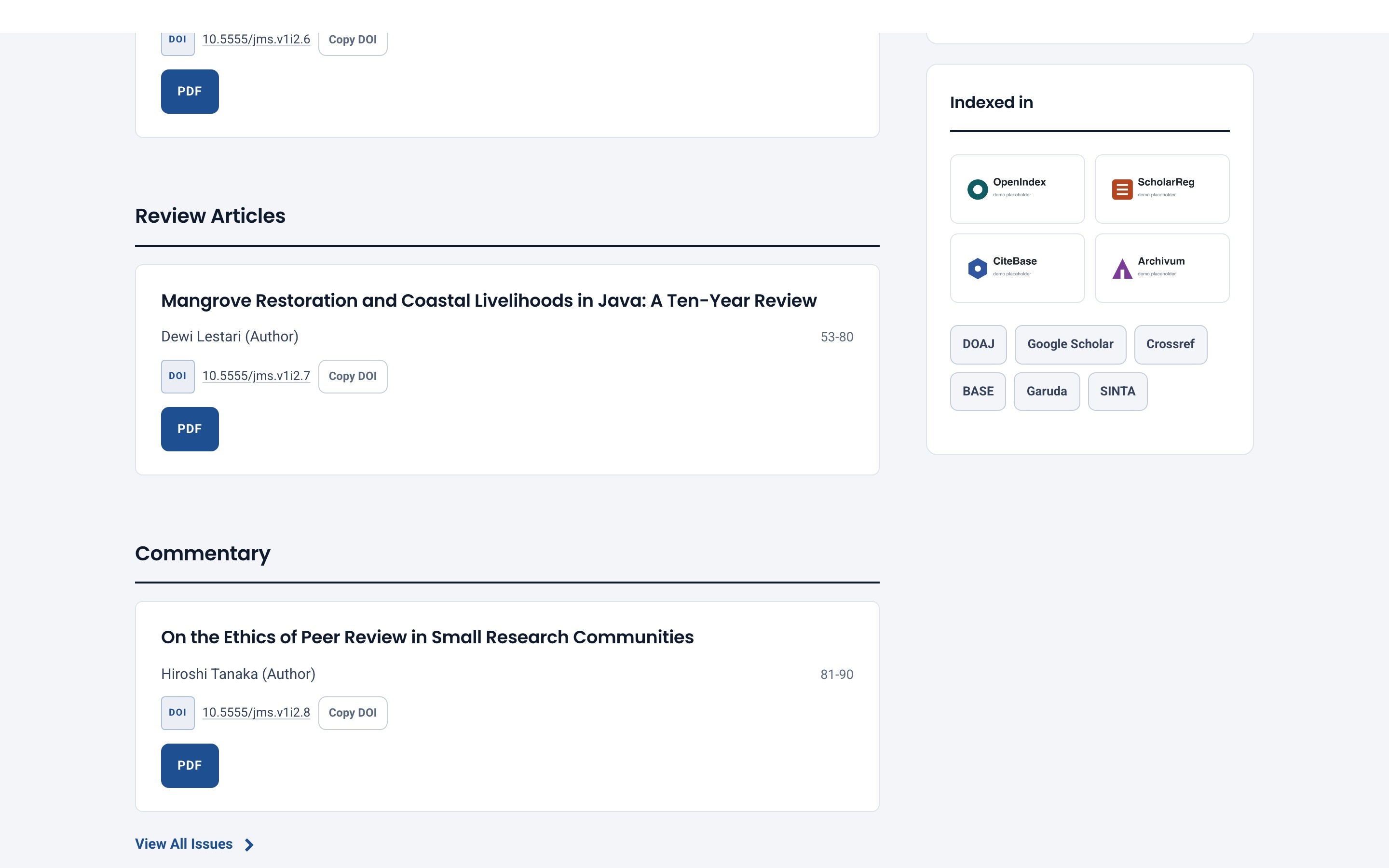
Quick links and indexing logos
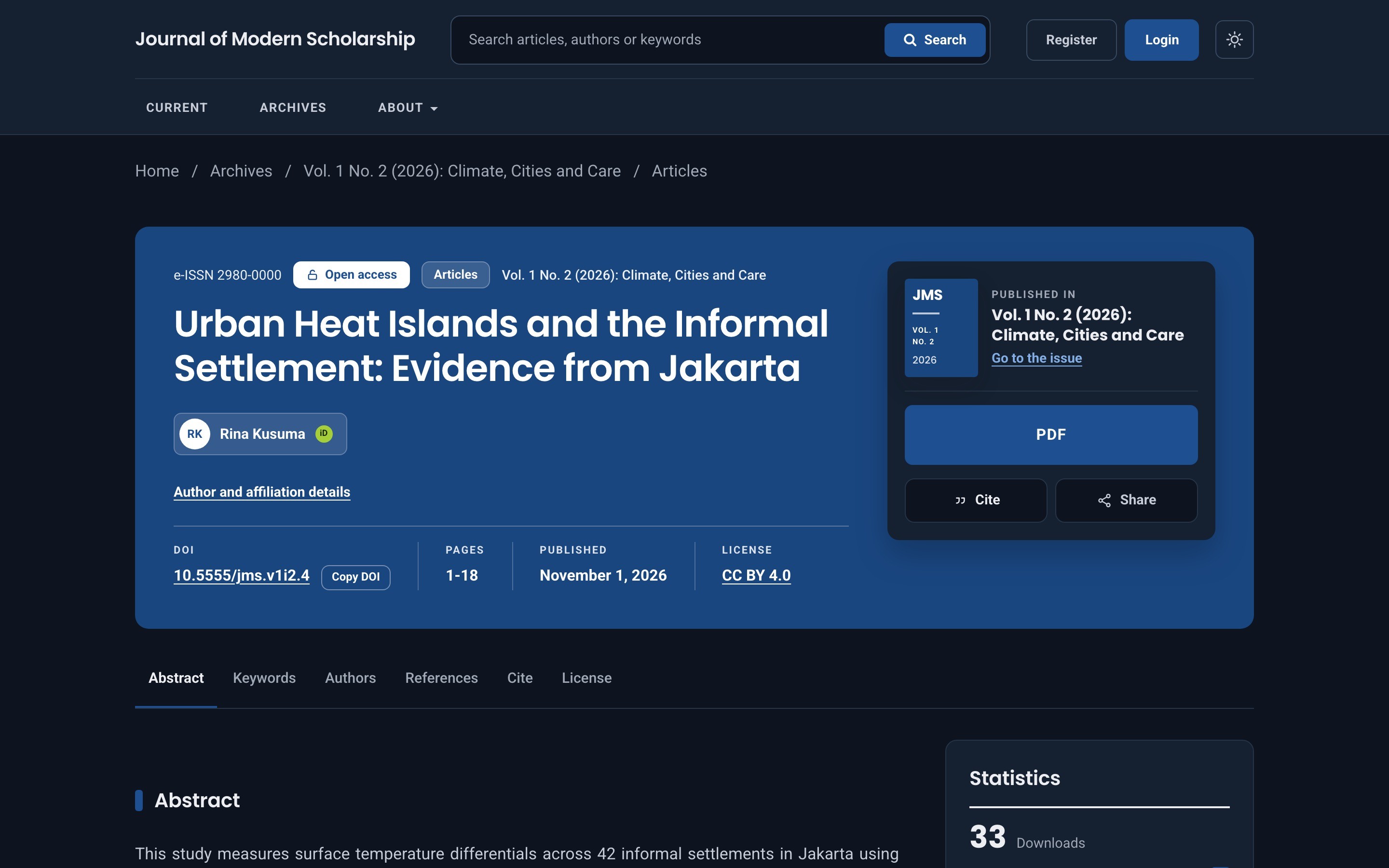
Article page in dark mode
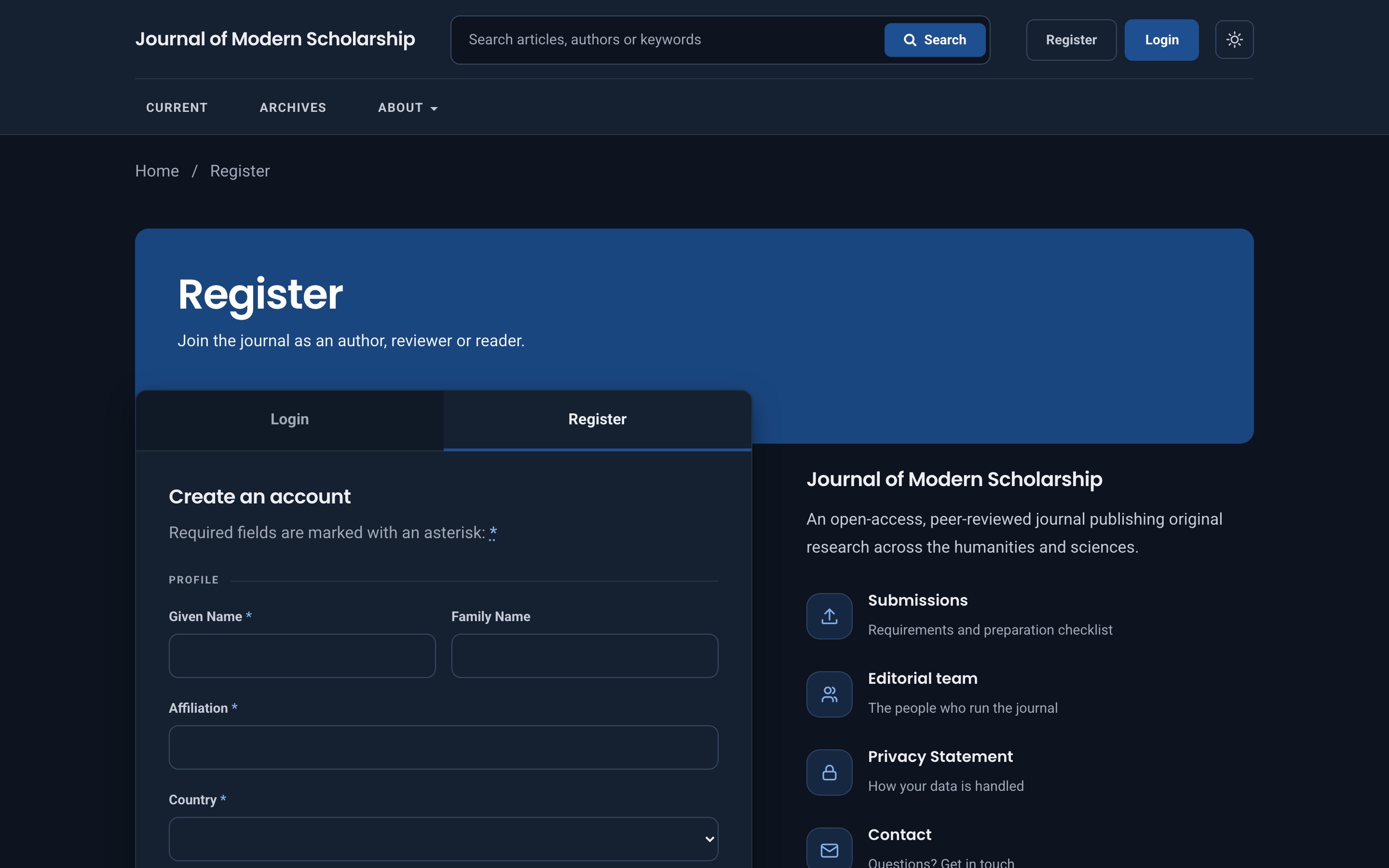
Registration in dark mode
Layouts are checked down to phone width.
All in Settings → Website → Appearance → Theme.
Step by step instructions are in the documentation.
1.1.0 · 2026-11-20
One-time price, including 12 months of updates and support.
One journal on one OJS installation, plus a staging copy.
$59USD, one-time, tax included
An OJS theme is a plugin that changes how an Open Journal Systems website looks: the layout, fonts, colours and article pages that readers see. It does not change your submissions, reviews or settings. You install it by uploading a file in OJS, and you can switch back to another theme at any time.
Meridian costs $59 once per journal, tax included. That covers the theme, 12 months of updates and 12 months of email support. There is no subscription.
Meridian 1.1 is built and tested for Open Journal Systems 3.5.x. A version for OJS 3.3 is planned; it is not available yet.
Download the .tar.gz file after purchase, then in OJS go to Settings → Website → Plugins → Upload A New Plugin, choose the file and save. Then select Meridian under Appearance → Theme. There is nothing to unpack and no command line needed.
Meridian is a child of the default OJS theme, so it keeps OJS's standard markup, menus, hooks and plugins working. Your content, settings and submissions are untouched. You can switch back to another theme at any time.
No. The logo area appears only when you upload logos or list services as text. Meridian ships no third-party trademarks, so you only show logos of services that actually index your journal.
Yes. OJS is released under the GNU GPL v3, and so are themes built on it. You can read and modify the code. What you pay for is a polished, tested theme, updates and support.
No. Fonts are bundled with the theme and Meridian makes no requests to third-party servers. The theme itself sets no cookies; it stores the light/dark preference in the visitor's browser only.
Yes. Choose a primary colour in the theme settings. Meridian derives readable button and link colours for light and dark mode automatically so the contrast stays at WCAG AA.
The theme's own text is included in English and Bahasa Indonesia. OJS itself provides the rest of the interface in many languages, and Meridian works with all of them.